Better videos begin with a clear idea. Before choosing a camera, adding transitions, or searching for background music, decide what the viewer should understand by the end. That decision gives every production choice a purpose.
You do not need a complicated setup to build a reliable process. Start with the equipment you have, work through the steps below, and improve the part of your workflow that causes the most difficulty.
Give the video one job
Describe your intended viewer and the question you are answering. “Explain how to record clearer voiceovers at home” gives you a more useful starting point than “make a video about audio.” Write a one-sentence promise and keep it beside your outline.
Plan an opening that shows why the subject matters. Then arrange your main points in the order someone would need them. Remove any section that does not help deliver the promise.
Prepare before pressing record
Charge your equipment, clear storage space, clean the lens, and gather any objects or examples you need. Record a brief test and listen through headphones before filming the full video.
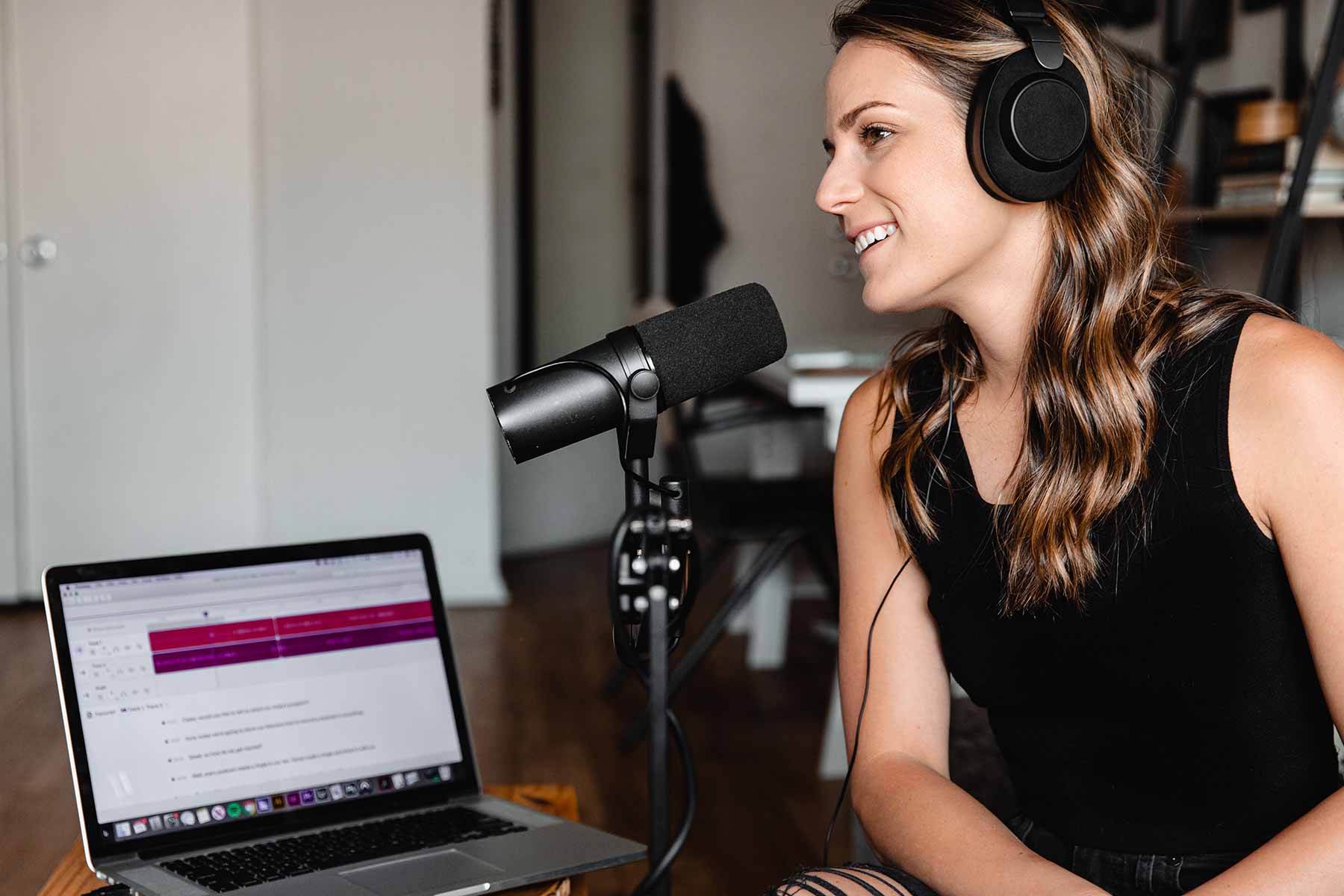
Choose the quietest practical recording space. Place the microphone close enough to capture your voice clearly, use a consistent light source, and check the background. Leave space in the frame for planned text or demonstrations.
Record in manageable sections
You do not have to deliver the entire script perfectly in one take. Record one idea at a time, pausing between sections. If you make a mistake, pause and repeat the sentence from the beginning so the edit is easier to find.
Capture supporting shots while the setup is ready. A close-up of a control, a screen recording, or a demonstration can explain something more clearly than another sentence.
Edit for understanding
Build a clear sequence before adding visual polish. Remove repeated explanations, distracting pauses, and sections that lead away from the subject. Keep enough breathing room for viewers to follow the demonstration.
Use music, graphics, and transitions only when they support the message. Check that speech remains easy to hear and that captions accurately reflect what was said.
Review the finished export
Watch the exported file from beginning to end. Look for missing media, spelling errors, abrupt audio changes, and text that becomes difficult to read on a small screen.
After publishing, note the questions viewers ask and the moments that seem unclear. Choose one improvement for the next video. A repeatable process makes those small improvements easier to carry forward.